Learn AI by building
Short, interactive labs where you build real projects alongside AI Agents in a live workspace. Right in your browser, nothing to install.
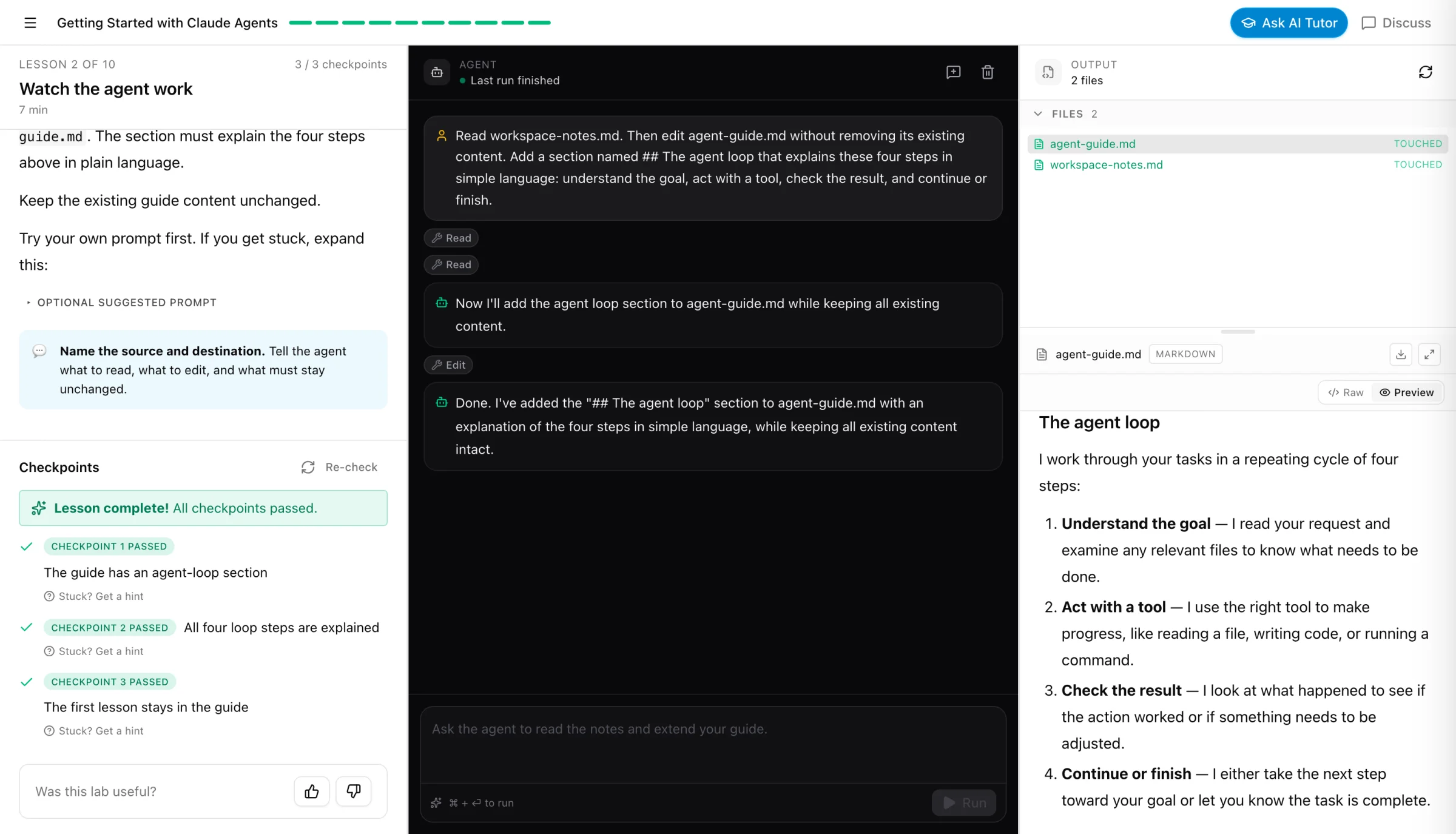
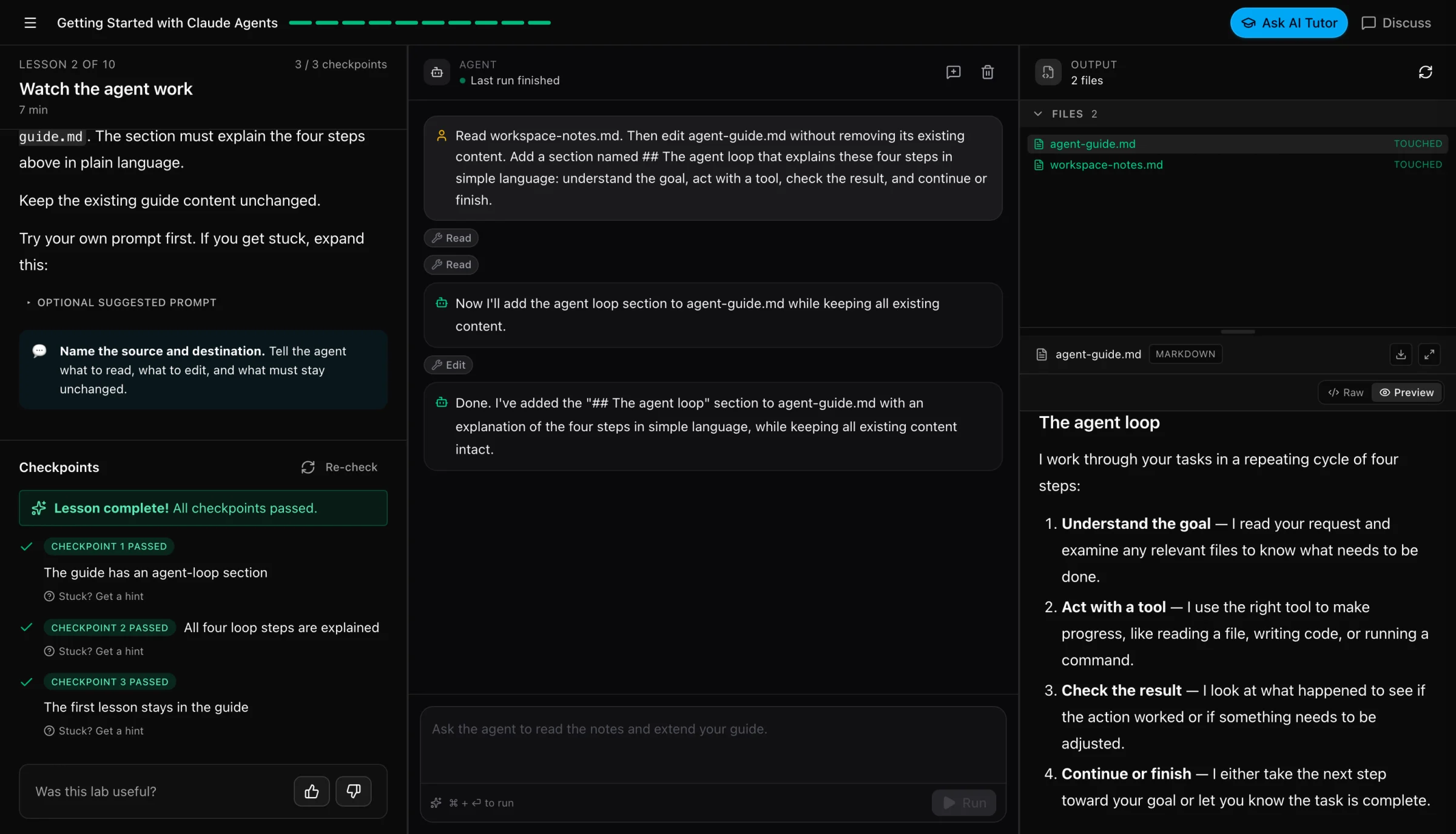
The lab workspace: lesson and checkpoints on the left, your Agent at work in the middle, your files on the right.
All Labs
 beginnerPro
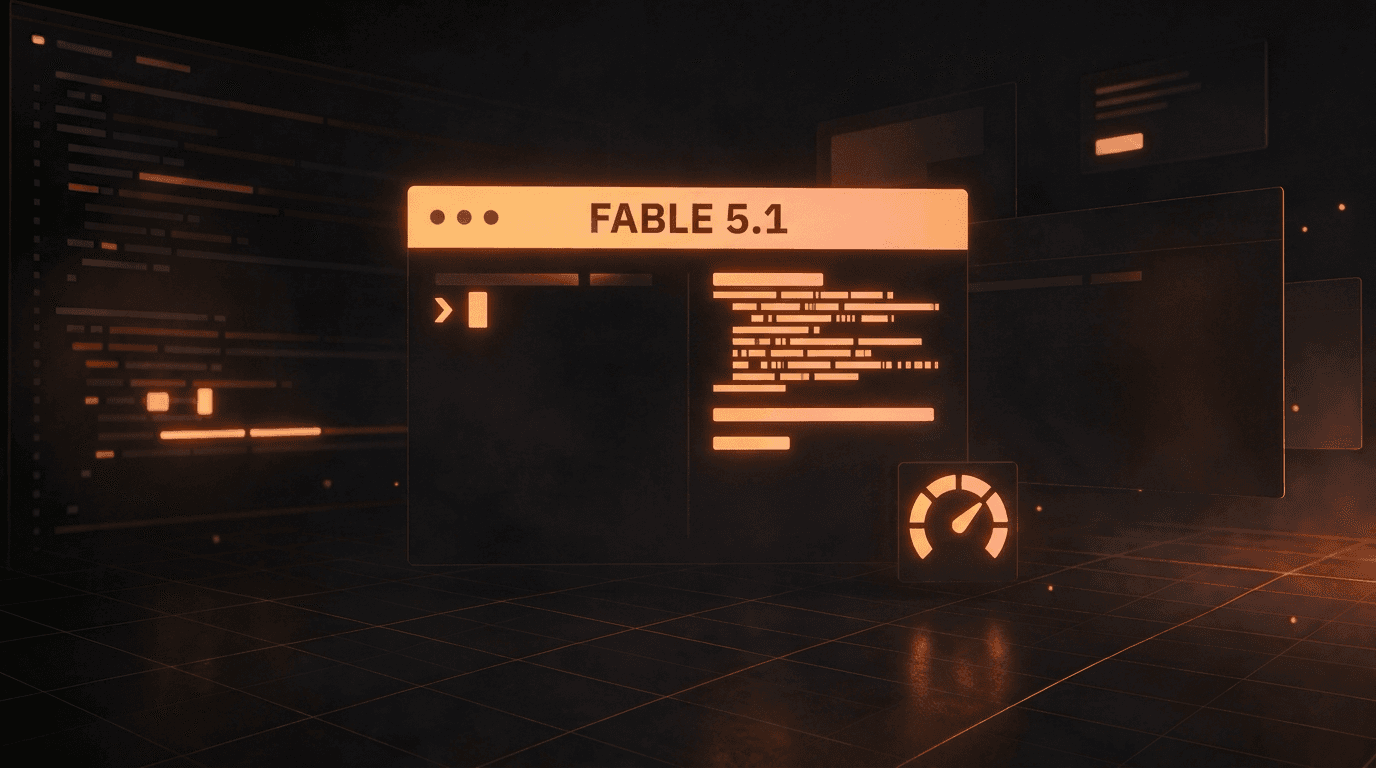
Write better with Claude Fable 5.1
Writing is most of what people ask Claude for, and Anthropic's prompting guide for Claude Fable 5.1 describes one problem with its prose. It can be dense, with long sentences and few paragraph breaks. In this short hands-on lab you write with the real model, see that problem on an everyday request, add the instruction Anthropic recommends, and measure the difference with a small script. Three lessons, from a first draft to a reusable style file for your own writing, for beginners and experienced Claude users alike.
 beginnerFree
From AI Chatbots to AI Agents
Start by defining and experiencing a normal AI chatbot conversation, then gradually add files, analysis, tools, search context, and a visual HTML capstone that shows what makes an agent different.
Getting Started with Claude Agents
A hands-on introduction to Claude agents. Run a real coding agent in a safe browser workspace, and learn to prompt, guide, extend, and collaborate with it.
 beginnerPro
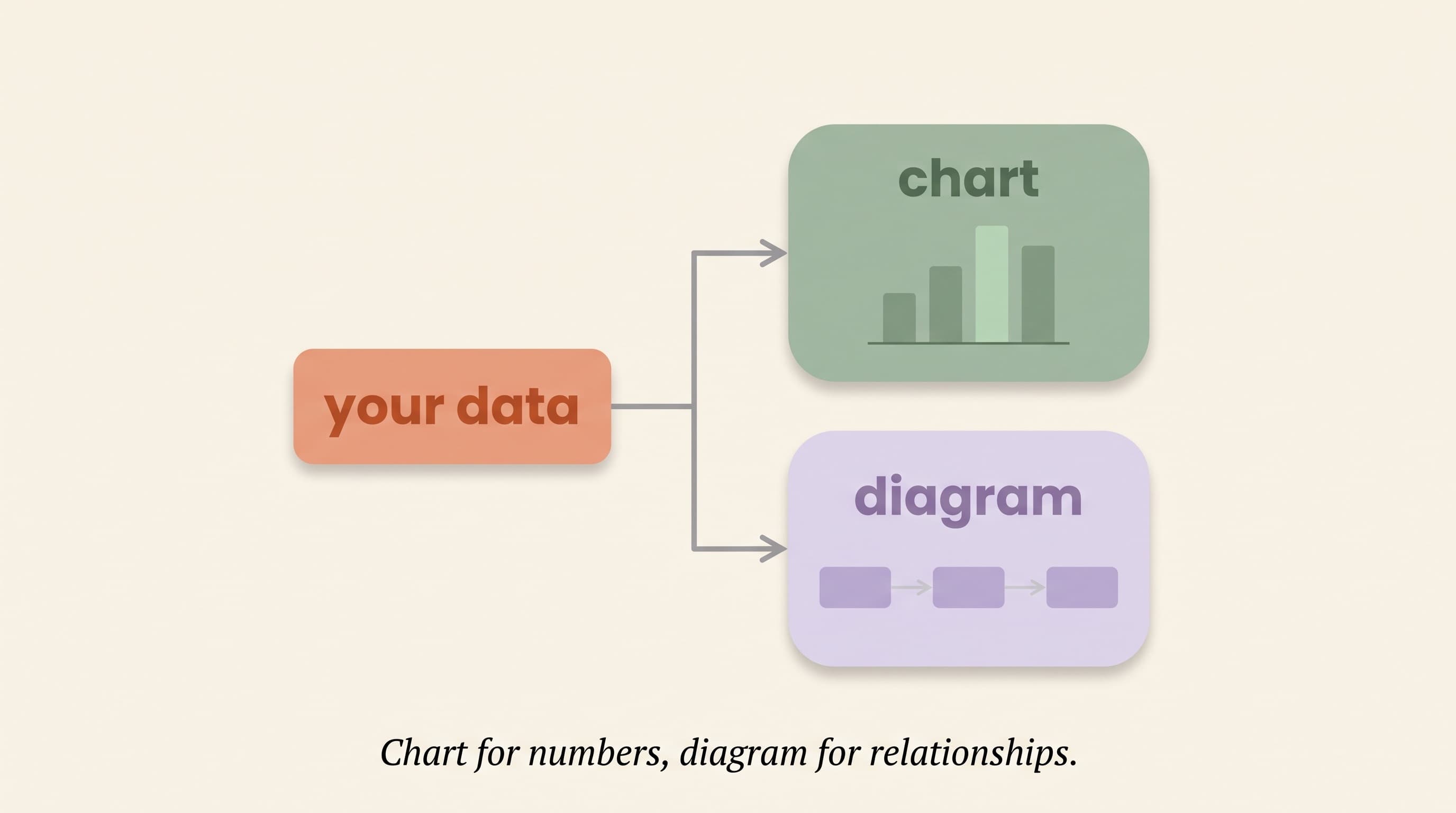
Build HTML Artifacts with Agents
Learn to turn plain-English requests into polished, self-contained HTML artifacts with a live AI agent in a real terminal. Across twelve lessons you build a personal gallery of deliverables (a profile card, a data table, charts, a one-page explainer, a dashboard, a comparison grid, an interactive planner, and a capstone of your own) while learning the request-inspect-refine loop that makes agents genuinely useful. No coding required. You describe, the agent builds, you judge the rendered result and steer.
 beginnerPro
Introduction to Pi
Pi is a coding agent you talk to in your terminal. This beginner course puts you in a live terminal with the real `pi` command and a small starter project. You will fix a real bug, learn the handful of keys that keep an agent on track, and then shape pi to your own work with a project rules file, a slash command you write yourself, and a skill it can follow. No API key and no prior agent experience needed.
 beginnerPro
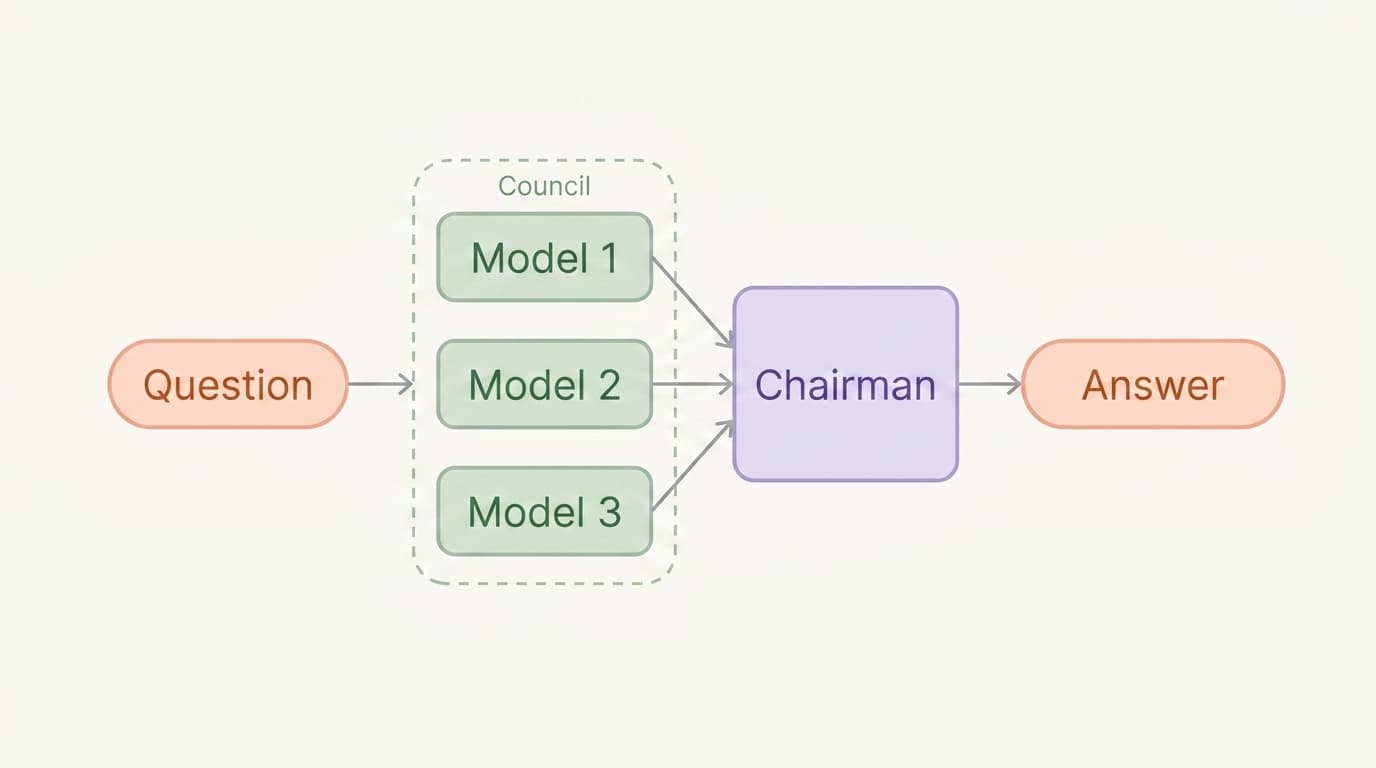
Building an LLM Council
Put your questions to a council of different AI models. They answer independently, rank each other blind, and a chairman synthesizes the final call. You drive it all through Hermes Agent in a real terminal.
 advancedPro
Introduction to Exo
Exo is an open-source agent harness built for recursive self improvement. It splits an agent into three layers, a durable event log the agent cannot rewrite, an executor it can freely change, and a sandbox it can snapshot and rewind. In this hands-on course you drive the real `exo` CLI in a live terminal. Register a model binding, give an agent a shell, read the raw event log behind a conversation, and fork a conversation to travel back in time.
 beginnerPro
Introduction to Eve
Eve is Vercel's open-source, filesystem-first framework for building, deploying, and scaling AI agents with production infrastructure built in. In this hands-on course you drive the real `eve` CLI in a live terminal. Start by running a ready-made agent, then give it custom tools, skills, subagents, and human approval gates, and finish by seeing how the same project ships to production with evals, channels, schedules, and one deploy.
 advancedPro
Docs for Agents with OpenWiki
Run OpenWiki, LangChain's documentation agent, against a real project. Generate an agent-ready wiki, steer what it writes, and keep the docs in sync as the code changes.
 intermediatePro
Build a Website with a Pi Coding Agent
Build and refine a responsive one-page website by directing a Pi coding agent. Each lesson adds a practical feature to the same project, from the first hero to responsive styling, interaction, accessibility, and final polish.
 intermediatePro
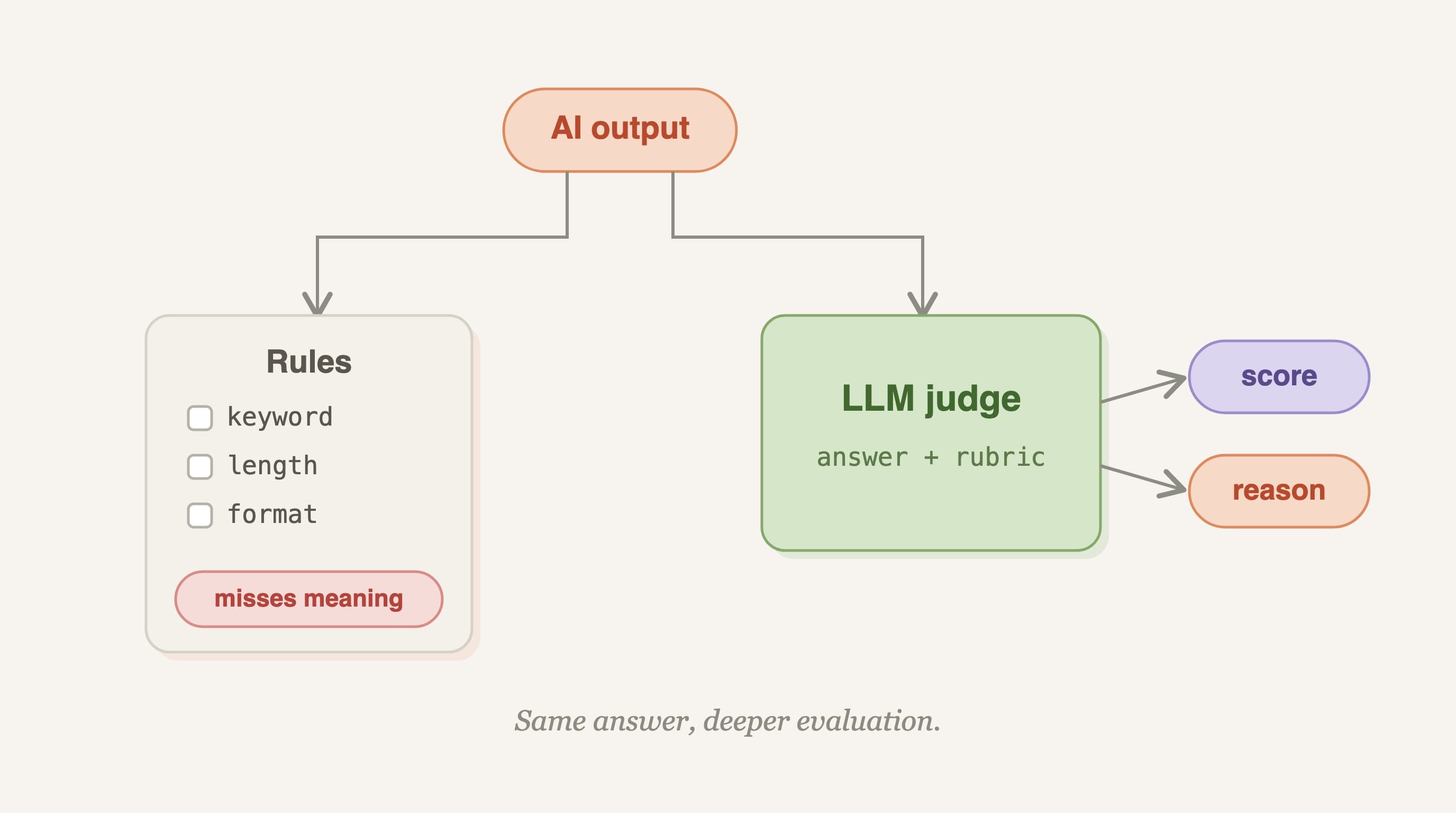
LLM-as-a-Judge
Learn to evaluate open-ended AI output by building an LLM judge from scratch. Across six short labs you grade a support bot's freeform replies on a rubric, then validate the judge against human labels and harden it against bias. By the end you will have a small, trustworthy evaluation harness you can point at any open-ended task.
 beginnerPro
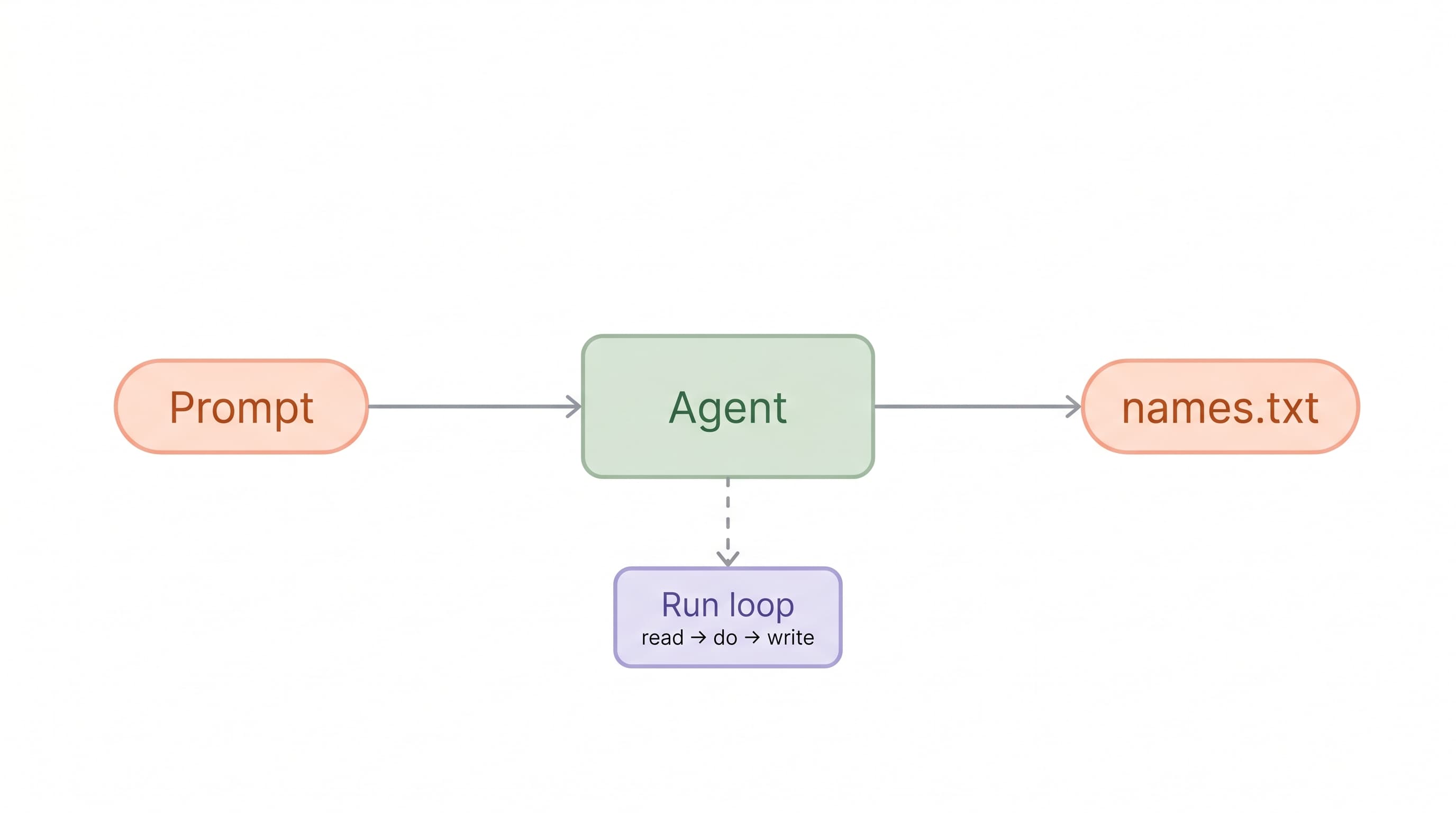
Prompt Engineering Essentials
Learn prompt engineering by writing real prompts. Start with a single-sentence prompt and work up to a fully-engineered one across nine short labs. Every lab challenges you to compose the prompt yourself, with no templates to copy and no pre-filled answers. By the end you'll have written prompts that use clear instructions, a role, multishot examples, XML structure, and an explicit output format.
 intermediatePro
30 Days of Hermes Agent
The interactive-terminal edition of 30 Days of Hermes Agent. Instead of a prompt box, you drive a real Hermes Agent session in a live terminal - exactly like using Hermes Agent on your own machine. Over 30 short lessons, you turn one messy Personal Knowledge Vault into a useful knowledge operations system with readable notes, searchable project context, reusable templates, review workflows, task boards, safety rules, and handoff docs. You'll use genuine interactive terminal features - slash commands, /new, /clear, /undo, /rollback, /help, and model selection - that only a real terminal can offer.
 beginnerPro
Agentic Image Generation
Use a prebuilt agent skill to generate and edit images. Learn prompt design, iteration, and multi-image composition without writing any API code or holding any keys.
 beginnerPro
Learn Anything with the /teach Skill
Use the /teach skill with Hermes Agent as your personal tutor to generate interactive, structured lessons on any topic.
 beginnerPro
Build Your First Agent Skill
Learn how to create reusable Agent Skills that turn an agent into a specialist for any task you care about: research, writing, analysis, anything. By the end of the course you'll have built and tested a real, reusable skill.
How Labs Work
From zero to a working project in one session
Each lab is a guided build. You learn by doing, with an Agent at your side and checkpoints that confirm your progress.
Open a lab
Every lab launches a real dev workspace in your browser. No installs, no API keys, no setup.
Build with an Agent
Follow short lessons and prompt an AI agent to write, run, and debug real code with you.
Pass checkpoints
Automated checks verify your work as you go, so you know what you built actually runs.
Keep your projects
Everything you build is yours. Download your workspace and keep shipping after the lab ends.