You have read the prompt engineering tips. You know the words. Add a role, give examples, be specific, ask for a format. And yet, when a blank prompt box is sitting in front of you and a real task is on the line, writing a strong prompt on demand is harder than the tips made it look. That gap is normal. It is not a knowledge gap. It is a reps gap.
Prompt engineering is a skill, and skills come from doing the thing, not reading about the thing. You learn to ride a bike by wobbling, not by studying balance. You learn to write prompts by writing them, running them, seeing the output miss, and fixing the prompt until it lands. This post is about closing that gap, and it mirrors the path you walk in our hands-on lab.
Why writing beats reading for prompts
When you read about how to write prompts, you absorb the conclusions without the experience that produced them. You learn that vague prompts give unpredictable output, but you have not felt the surprise of asking for "a summary" and getting six paragraphs when you wanted two sentences. You learn that examples help, but you have not watched a model snap into the right shape the moment you showed it two worked examples.
Writing changes that. The feedback loop is short and honest. You write a prompt, you hit Run, and the output either matches what you pictured or it does not. When it misses, the prompt told the model to do exactly what it did. Fixing it teaches you something a tip never could, because you are debugging your own words against a real result. Do that nine times and the abstract rules become instincts. You stop reciting "be specific" and start noticing, in the moment, which words in your prompt are doing nothing.
That is the whole bet behind learning prompt engineering by doing. Every lab in this course makes you compose the prompt yourself. There are no templates to copy and no pre-filled answers waiting for you to hit submit. You write it, you run it, you fix it.
The building blocks of a strong prompt
A fully engineered prompt is not one trick. It is a small stack of building blocks, each one removing a different kind of ambiguity. By the end of the lab you will have used all of them in prompts you wrote yourself. Here is what they are and what each one buys you.
Clear instructions. The base layer. A vague one-liner like "summarize this" leaves the model guessing at length, tone, and focus. Specific, constrained instructions pin those down so the output is predictable instead of a roll of the dice. Most weak prompts are weak right here, and most fixes start by naming what the instruction left unsaid.
Input data. A prompt usually has two parts that beginners blur together, the instruction and the actual content the model should act on. Keeping them distinct, and marking which is which, is what lets you reuse the same instruction across many inputs. This is the heart of building something like a sentiment classifier, where the instruction is fixed and the input changes every time.
Output format. If you do not say how you want the answer shaped, the model picks for you. An explicit output format, plain prose, a JSON object, a single label, a table, turns a loose response into something you can predict and even parse downstream. Asking for the format is one of the highest-leverage moves in the whole stack.
A role, or system prompt. Giving the model a persona that fits the task shifts its whole register. A prompt that opens with a clear role behaves differently from a bare instruction, because the role primes the vocabulary, the assumptions, and the level of detail. You will add a system prompt and watch the same task come back sharper.
Multishot examples. Telling the model what you want is good. Showing it is often better. Two or three worked input-to-output examples, sometimes called few-shot examples, teach the model the exact shape you are after far faster than another paragraph of description. When a task is hard to describe but easy to demonstrate, this is the move.
XML structure. As prompts grow, the model can lose track of where the instruction ends and the input begins, or where your examples stop. Wrapping each section in XML-style tags draws hard boundaries the model respects. It is a simple habit that makes long, multi-part prompts dramatically more reliable.
None of these are exotic. The skill is knowing which one a given prompt is missing, and reaching for it without having to look it up. You build that judgment by stacking the blocks yourself, one lab at a time.
What you will do in this lab
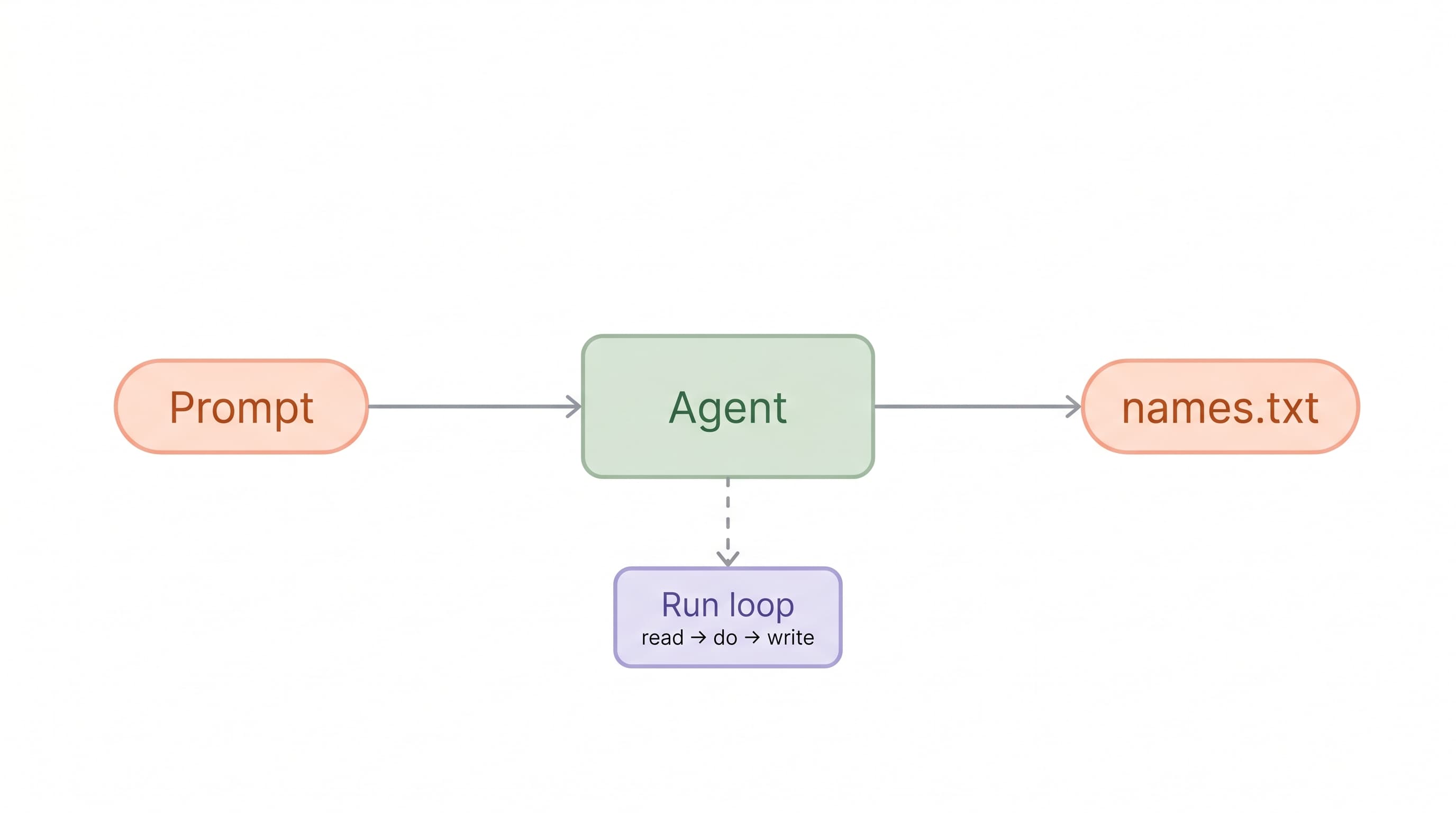
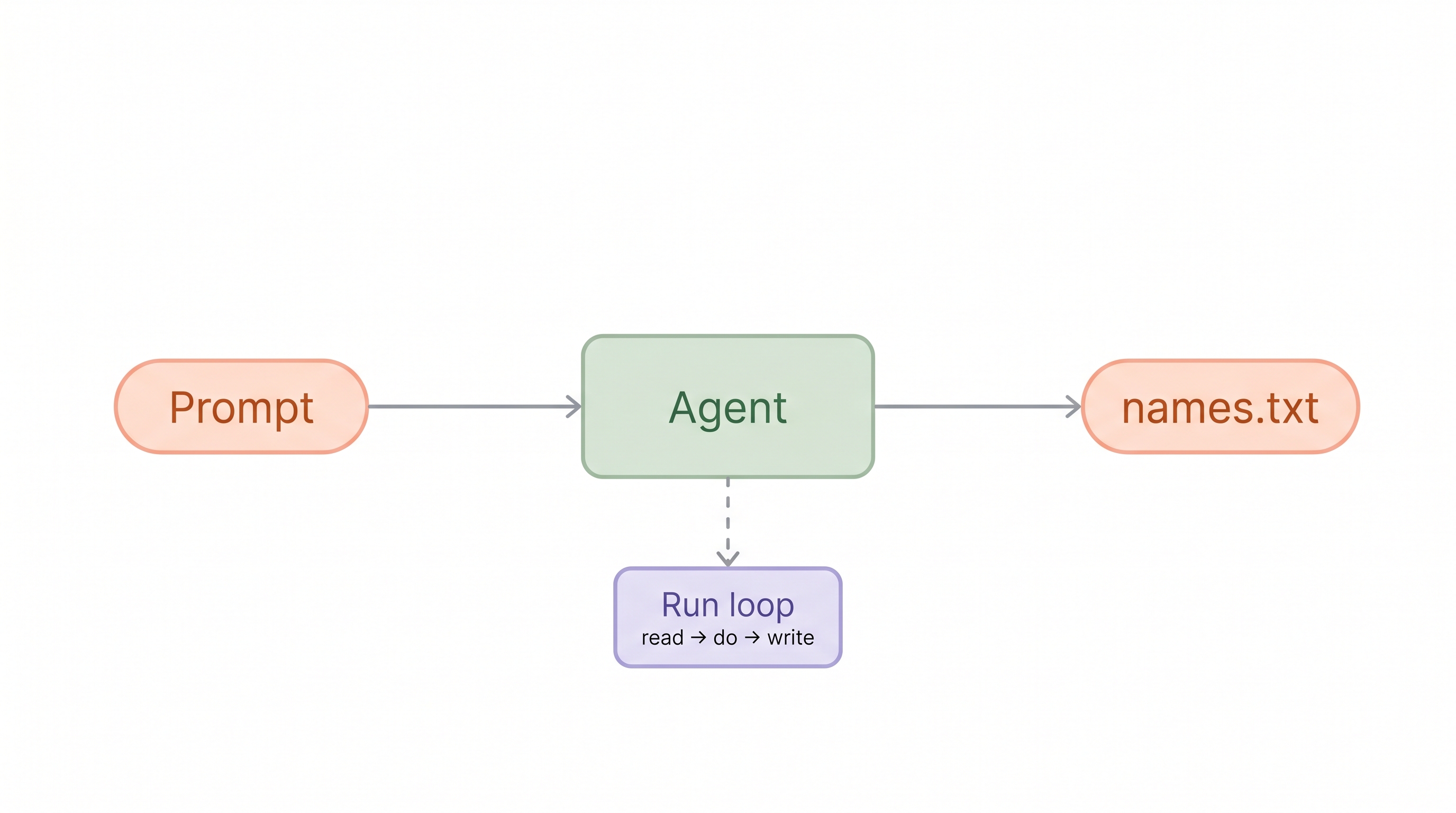
The course is nine short labs, and the arc matters as much as the parts. You do not start with theory. You start by writing the simplest possible prompt, hitting Run, and watching an agent save a file. Then you edit and retry. That first loop, write, run, observe, fix, is the loop you will repeat for the rest of the course, just with harder prompts each time.
From there the difficulty climbs in a deliberate line. You feel the difference between a vague prompt and a specific one by pinning down count, length, and format until the output stops surprising you. You take prompts apart into their elements and put them back together as something that actually works, like a small classifier. You are handed a deliberately weak prompt and asked to diagnose it, to name out loud what is missing, which is the exact muscle you need when your own prompts fall short.
Then you build up. You turn a vague instruction into a precise one. You add a role. You add multishot examples. You wrap the whole thing in XML structure so the boundaries are unambiguous. The capstone ties it together, where you add an explicit output format and write a before-after comparison so you can see, side by side, how far a prompt travels from a single sentence to a fully engineered one.
The whole thing runs in a live agent sandbox right in your browser. There is nothing to install and no keys to manage. You write a prompt, the agent runs it, and you see the result immediately. The short feedback loop is the point, because it is what turns reading into doing.
What's under the hood
Every lab runs in your browser against a real cloud sandbox. There is nothing to install and no API key to manage. You write a prompt, hit Run, and an agent executes it in a live workspace while you watch what it does with the file it produces.
That feedback loop is the point. You change one part of the prompt, run it again, and see the output change. Automated checkpoints read the result and turn green when your prompt meets the spec, so you get an honest signal about whether your wording actually worked.
Who this is for
This is a beginner course, and it assumes nothing. If you have used a chatbot and wished your prompts were more reliable, you are ready. You do not need to code. You do not need to have written a prompt more complicated than a question. What you do need is a willingness to write the prompt yourself, run it, and fix it when it misses, because that is where the learning lives.
It is also a good reset for people who have read a lot about prompt engineering but never practiced it deliberately. If you can recite the tips but freeze at a blank prompt box, the reps in this lab are exactly what is missing.
Close
You cannot read your way to a strong prompt. You write your way there, one run at a time, watching what changes when you change a word. Nine labs is enough to take you from a single sentence to a fully engineered prompt, and to leave you with the judgment to know which building block a prompt needs next. Start writing.
Want more like this? Check out our courses, explore the rest of our labs, or join the community to ask follow up questions about this post.